Turn Your Pet Into AI Art: A Complete Guide
A complete, beginner-friendly guide to turning your favorite photos of your pet into stunning, hilarious, and unique AI-generated art.
Turn Your Pet Into AI Art: A Complete Guide
Introduction
Your phone's camera roll is probably 90% pictures of your pet. They're cute, they're majestic, they're ridiculous. But what if you could take that photo of your dog sleeping in a weird position and turn it into a Renaissance painting? Or transform that picture of your cat judging you from across the room into a piece of vibrant pop art? Welcome to the wonderful world of AI art generation, where your furry (or scaly, or feathery) friend is the muse.
This guide will walk you through everything you need to know to create stunning, hilarious, and unique portraits of your pet using AI. You don't need any artistic skill, just a pet you're obsessed with and a little bit of imagination.
Step 1: Choose Your AI Art Generator
There are many tools out there, each with its own strengths. Here are a few popular choices for beginners:
- Midjourney: Known for its beautiful, artistic, and often painterly results. It works through Discord, which can take a minute to get used to, but the quality is top-notch.
- Stable Diffusion (DreamStudio): A powerful and versatile tool that gives you a lot of control. It has a web interface (DreamStudio) that's easy to start with.
- DALL-E 3 (via ChatGPT Plus or Microsoft Copilot): Incredibly easy to use. You just describe what you want in plain English, and it does the rest. Great for getting creative and specific.
For this guide, we'll focus on using a descriptive, prompt-based tool like DALL-E 3, as it's the most accessible.
Step 2: Get the Perfect Pet Photo
While some tools let you upload a photo directly, you'll often get better and more creative results by describing your pet in the prompt. However, you need a good mental image to describe!
- Good Lighting is Key: A clear, well-lit photo shows off your pet's features.
- Capture Their Personality: Is your pet goofy, majestic, or perpetually sleepy? Choose a photo that captures their essence.
- Note the Details: What color are their eyes? Do they have unique markings? A fluffy tail? A snaggletooth? These details are prompt gold.
Step 3: Master the Art of the Prompt
This is where the magic happens. The prompt is your instruction to the AI. A great prompt is specific and descriptive. The formula is simple: [Subject] + [Art Style] + [Details].
The Subject: Start by describing your pet. Be specific!
- Instead of
a dog, trya fluffy golden retriever with a happy expression. - Instead of
a cat, trya sleek black cat with bright green eyes.
The Art Style: This is where you can get really creative. Think about famous artists, art movements, or styles.
- Artistic Styles:
in the style of a Picasso painting,as a watercolor sketch,in the style of Andy Warhol pop art,as a Japanese ukiyo-e woodblock print. - Textures:
made of stained glass,knitted from yarn,carved from wood. - Famous Artists:
painted by Van Gogh,in the style of Rembrandt,a Frida Kahlo portrait.
The Details: Add extra elements to make the image unique.
- Clothing/Accessories:
wearing a tiny astronaut helmet,with a monocle and top hat,in a superhero cape. - Setting:
sitting on a throne made of tennis balls,in a magical forest,on the surface of the moon. - Lighting & Mood:
dramatic lighting,soft and dreamy,vibrant and energetic.
Step 4: Putting It All Together (Prompt Examples)
Let's combine these elements into some powerful prompts:
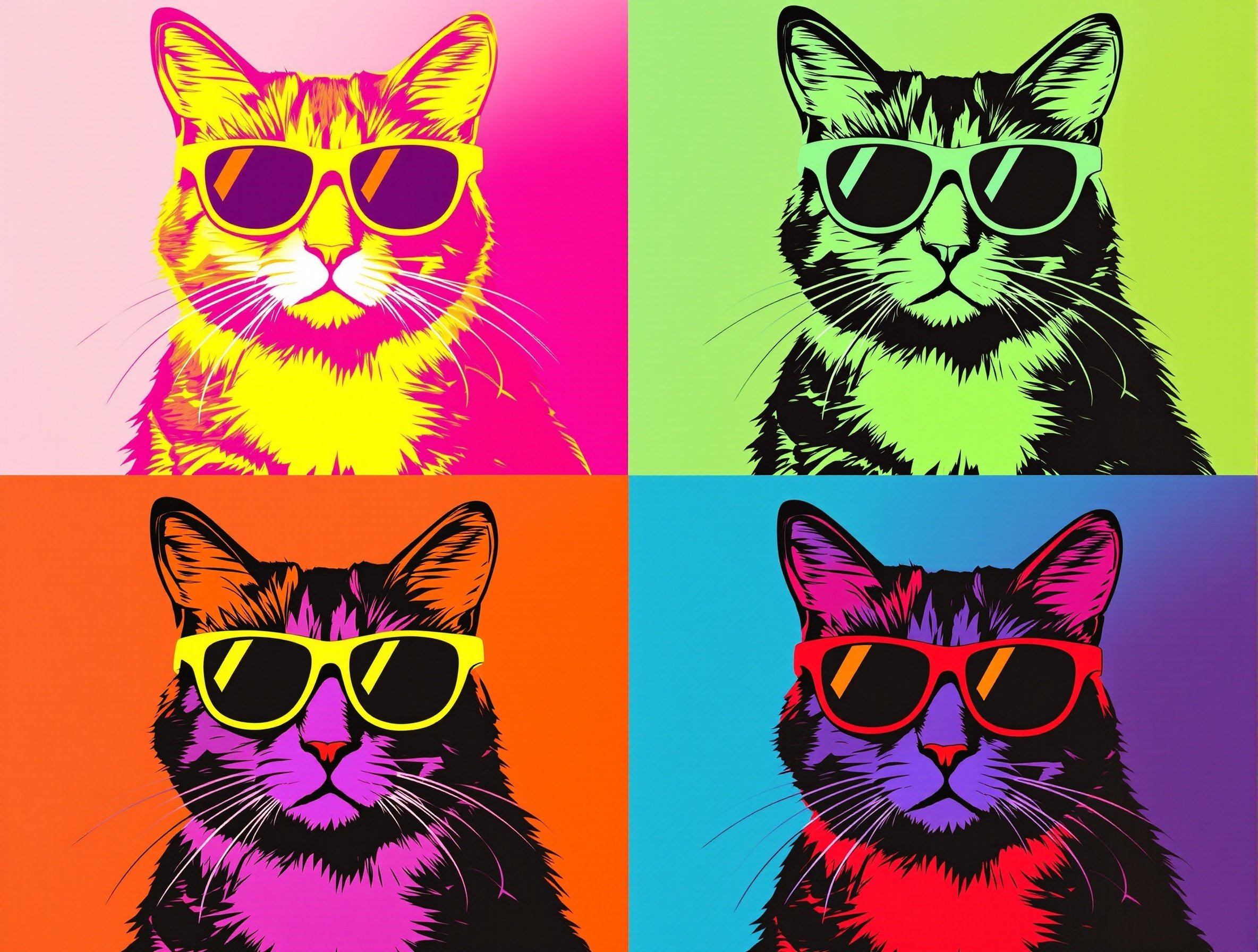
A pop-art portrait of a grumpy pug wearing sunglasses, in the style of Andy Warhol. The background should be four squares of bright, contrasting colors.A majestic, fluffy Samoyed dog sitting on the Iron Throne from Game of Thrones, painted in the style of a classical oil painting with dramatic lighting.A cute, cartoon-style illustration of a ginger tabby cat kneading dough in a cozy, sunlit bakery. The style should be warm and whimsical.A photorealistic portrait of a guinea pig wearing a tiny suit of medieval armor, preparing for battle.
Step 5: Iterate and Refine
Your first result might not be perfect, and that's part of the fun! Don't be afraid to tweak your prompt and try again.
- Not quite right? Change a few keywords. Maybe
oil paintingworks better thanwatercolor. - AI getting it wrong? Simplify your prompt. Sometimes less is more.
- Want something different? Add a completely random element. What about
on a disco floor?
The 'mistakes' are often the best part. An AI might give your dog five legs or put its hat on backwards, leading to a hilarious and truly one-of-a-kind image.
Conclusion
Creating AI art of your pet is a ridiculously fun way to celebrate your best friend and dip your toes into the world of artificial intelligence. It's a process of trial, error, and happy accidents. You'll be amazed at what you can create with just a few lines of text. So grab a picture of your pet, fire up an AI art generator, and start creating some masterpieces. Your pet deserves to be immortalized as art, and you deserve to have a blast doing it.